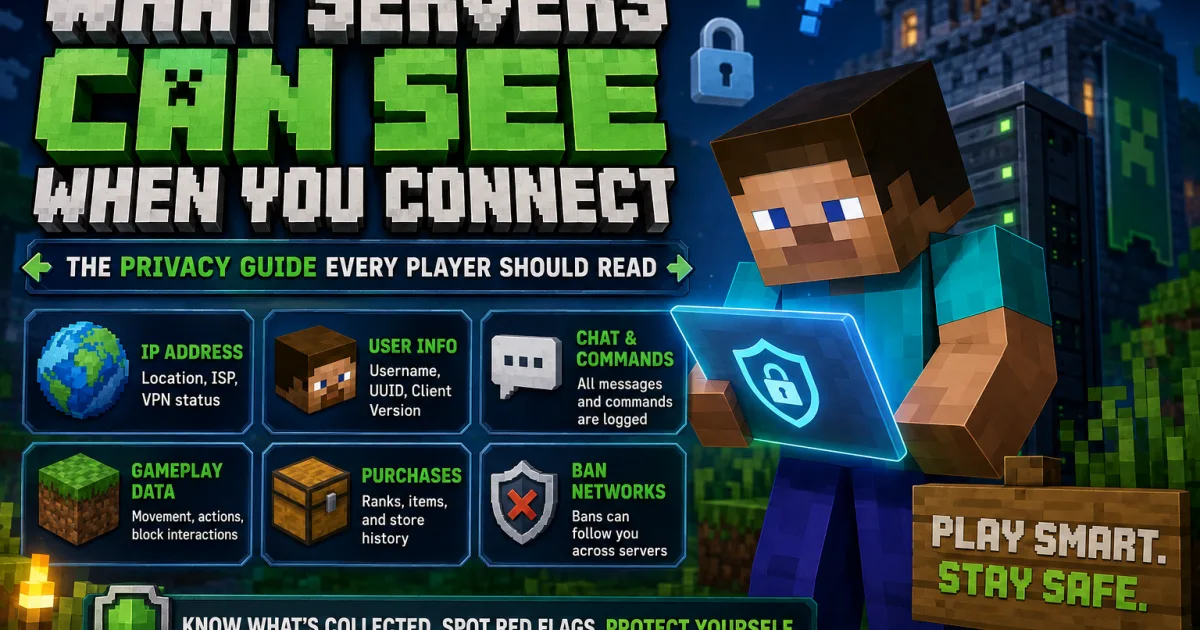
What Servers Can See When You Connect
A player privacy and security guide explaining what Minecraft servers can see when players connect, including IP addresses, UUIDs, usernames, chat logs, commands, movement data, purchase history, ban networks, and practical ways players can protect themselves.
What Servers Can See When You Connect
Every time you join a Minecraft server, you hand over more information than you probably realize. Nobody explains this. So naturally, here we are doing the responsible thing.
This guide is not about paranoia. Most servers log data for legitimate reasons, including stopping cheaters, managing bans, investigating griefing, and keeping the server stable. This guide explains what is collected, why it is collected, and when something crosses a line.
1. The Moment You Connect
The instant you hit Connect in your Minecraft client, a handshake happens between your game and the server before you have even seen the spawn screen. Several pieces of data are transmitted automatically because the Minecraft protocol needs them to establish the connection.
Here is what gets sent in that initial connection, before any extra plugins or server-side tools get involved:
Sent automatically by your client
- ▸ Your IP address
- ▸ Your Minecraft username
- ▸ Your UUID, the unique ID tied to your account
- ▸ Your client version, such as 1.21.1
- ▸ The timestamp of connection
Sent with certain plugins or mods
- ▸ Your mod list on servers that require it
- ▸ Your client brand, such as Vanilla, Forge, or Fabric
- ▸ Your render distance in some anti-cheat contexts
- ▸ Your locale or language setting
Important distinction
Your UUID is not the same as your IP address. Your UUID is permanent and tied to your Minecraft account. It follows you even if you change your username, get a new router, or move somewhere else. It is the most reliable way a server identifies you across sessions.
2. What Your IP Address Actually Reveals
Your IP address is not just a random number. It can reveal information through publicly available geolocation and ISP databases. It usually cannot identify your exact house, despite what the internet tough-guy crowd likes to pretend.
Here is what a server owner can often look up from your IP address using common tools:
| Data Point | Typical Accuracy | What It Means |
|---|---|---|
| Country | Very high | Usually correct |
| Region or State | High | Often reliable for residential ISPs |
| City | Mixed | Often nearby, but not exact |
| ISP or Provider | Very high | Your internet provider name |
| VPN or Proxy Detection | Mixed | Known VPN or datacenter IPs may be flagged |
| Connection Type | High | Home broadband, mobile data, datacenter, and similar categories |
Legitimate uses
- Blocking high-risk proxy connections
- Detecting ban evasion or suspicious alt overlap
- Reducing bot attacks
- Routing players to better server nodes
What servers cannot do with your IP alone
- Find your exact home address
- Access your device or files
- Identify your real name
- See what other websites you visit
3. What Gets Logged During Play
Once you are in-game, standard server software and common plugins can log far more than most players realize. On a properly managed server, this creates an audit trail for moderation and security.
💬 Chat
Public chat is commonly logged by default. Servers with chat logging plugins may also store private messages such as /msg or /tell. Treat Minecraft chat as staff-visible, because it often is.
⌨️ Commands
Commands you run can be logged, including shop commands, warp commands, teleport requests, and failed command attempts. Anti-cheat plugins may flag unusual command patterns.
📍 Movement and Position
Anti-cheat plugins may track movement speed, position, flight state, head rotation, and block interactions. Most of this is processed in real time, but suspicious flags may be stored for staff review.
🛒 Purchase History
If you buy a rank, cosmetic, or item through a server store, that transaction may be linked to your Minecraft UUID and sometimes your email address through the store platform.
⏱️ Playtime and Sessions
Servers often track login time, logout time, session length, and cumulative playtime for rewards, rank-ups, moderation, and AFK detection.
🗺️ Block and Chest Logs
Servers using tools like CoreProtect can store records of blocks placed or broken, containers opened, items moved, and interactions with doors, buttons, and similar objects.
The takeaway
On a well-administered server, your in-game behavior is often logged enough to investigate griefing, theft, cheating, and reports. That is useful, but it also means your activity is not truly anonymous.
4. Cross-Server Ban Networks
Some servers participate in shared ban systems or private trust networks. A ban on one server can carry over to others in the same network or community. Fun little surprise mechanic, but for moderation.
MCBans
One of the older public ban reputation systems. Participating servers may use it to check a player’s ban history or reputation.
LiteBans
Common inside server networks. A ban on one connected server can apply across the network depending on how the owner configured it.
Private Lists
Some owner groups share ban or incident information privately through Discord, internal tools, or trusted communities.
What this means for players
If you were banned years ago, fairly or unfairly, a record may still exist somewhere. If you are denied entry with no clear reason, a shared ban or network-level record may be involved. The best path is usually asking the server for its appeal process.
5. When a Server Shuts Down
Servers close all the time. What happens to player data afterward is often unclear and rarely explained to players.
The database does not magically delete itself
Usernames, UUIDs, IPs, chat logs, and gameplay records may remain in old databases until someone deletes them or the hosting account disappears.
Store data may outlive the server
Purchases made through store platforms can remain in those systems even after the server closes, depending on the platform and account setup.
Players are not always notified
Many Minecraft servers are informal projects, not polished companies. Data cleanup and closure notices can be inconsistent at best.
The practical reality
This is not a reason to panic. A username, UUID, and chat log are not usually sensitive in isolation. The bigger concern is mishandled purchase emails, private databases being shared, or ownership transfers where old data is not cleaned up properly.
6. Red Flags to Watch For
Most servers handle data reasonably. These behaviors suggest a server may be operating outside normal boundaries.
🚩 Asking for personal information
No normal Minecraft server needs your real name, phone number, school, or home city just to let you play.
🚩 Threatening to leak your IP
Staff may have access to IP logs, but threatening players with that information is abusive and may create legal problems depending on the situation.
🚩 Requiring random app installs
Be careful with servers that require unofficial launchers, overlays, or third-party tools. Client-side requirements can be abused to distribute malware.
🚩 Asking for account credentials
A server does not need your Microsoft or Mojang password. Anyone asking for it is trying to steal your account. Yes, really. That one is not complicated.
🚩 No policy on a custom store
If a server collects payments through a custom store but provides no privacy policy or terms, be careful about what information you hand over.
7. What a Trustworthy Server Looks Like
The flip side of knowing red flags is knowing what responsible servers usually do. These practices are common in better-run communities.
Signs of a responsible server
- Clear rules and policies
- Staff do not discuss player IPs publicly
- Transparent ban appeals
- Store handled through a reputable platform
- Server-side anti-cheat where possible
- Player data access limited to trusted staff
Questions worth asking
- How long has this server been running?
- Is there an appeals process?
- What platform does the store use?
- Are rules and staff visible?
- Does the server have a reputation you can check?
The Owners Connect angle
Before committing time or money to a server, it is worth checking community reputation, reviews, ownership history, policies, and how the server handles player trust. A shiny spawn does not automatically mean responsible management. Annoying, but true.
8. How to Protect Yourself
You do not need to be paranoid, but there are practical steps players can take to limit unnecessary exposure when trying servers they do not know well.
Use a VPN on servers you do not trust
A VPN masks your real IP address. It will not hide your username or UUID, but it can reduce location and ISP exposure. Some servers block VPNs to prevent ban evasion.
Use a separate email for purchases
A dedicated email for Minecraft-related purchases keeps your primary inbox separate from server store records and possible data handling issues.
Treat in-game chat as non-private
Avoid sharing your real name, school, location, age, or other personal details in server chat or private messages.
Secure your Minecraft account
Use strong Microsoft account security and two-factor authentication. If your account is stolen, the attacker inherits your server history and reputation.
Research before spending money
Look up the server name, reviews, ownership, complaints, shutdown history, and store setup before buying ranks or perks.
Bottom line
Playing on Minecraft servers involves some data sharing because that is how the game works. Most servers use that data responsibly. Understanding what is collected and knowing the red flags puts you in a better position to decide where you play and what you share.
On Connect
IP, UUID, username, client version, and connection time are commonly sent automatically.
Your IP Reveals
Country, region, ISP, and VPN status may be visible, but not your exact home address.
Chat Is Not Private
Chat, commands, movement, purchases, and block interactions may be logged.
Protect Yourself
Use account security, avoid oversharing, research servers, and use separate purchase emails.